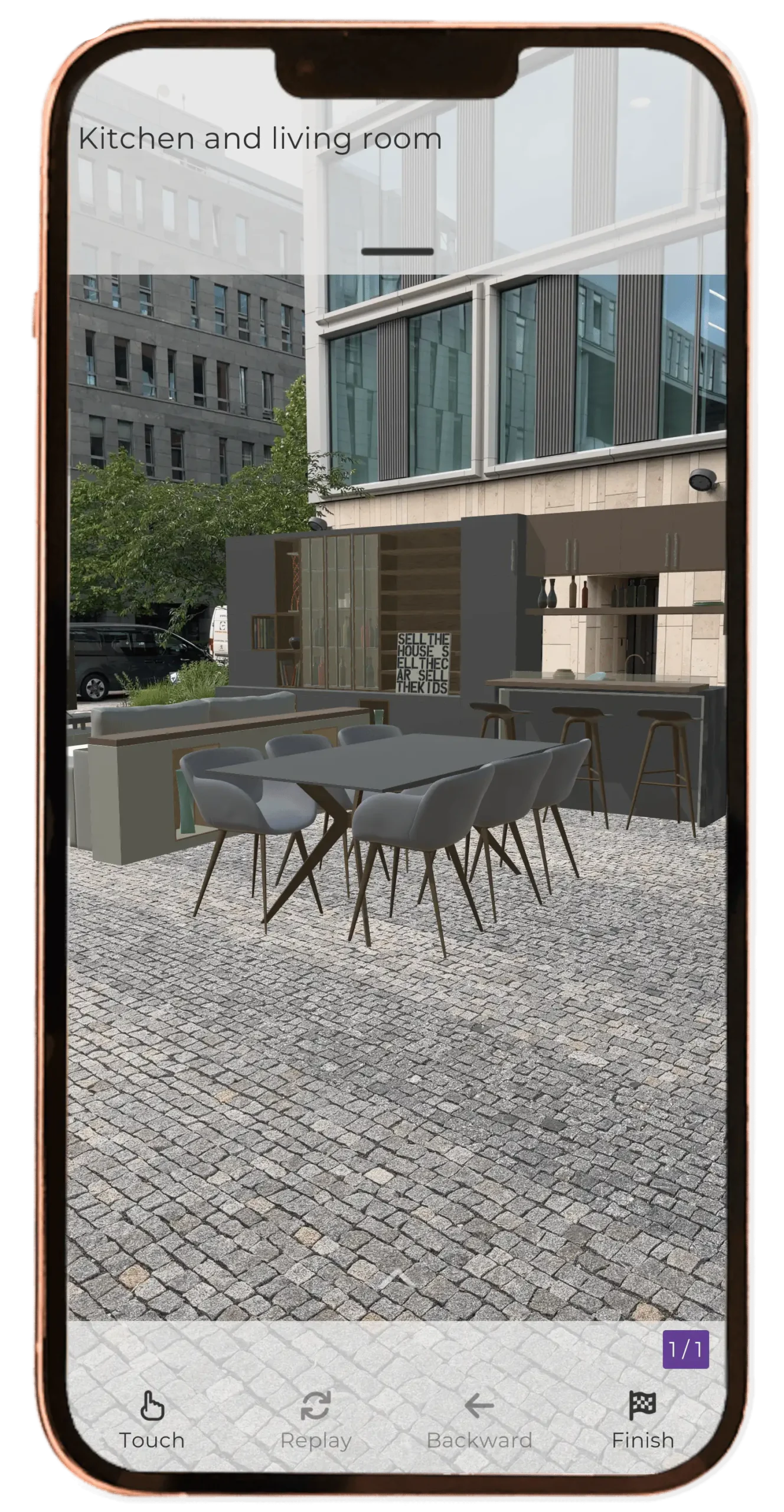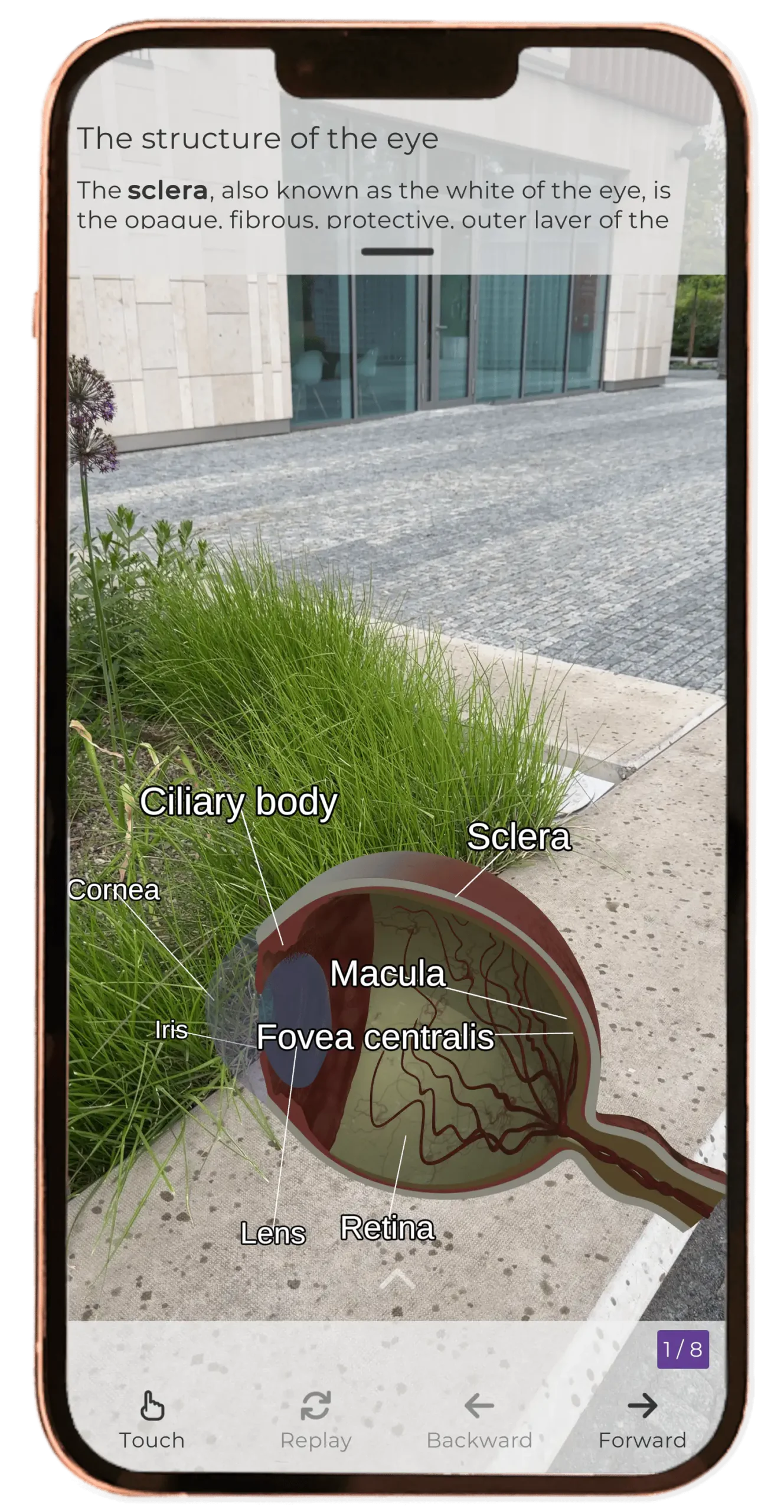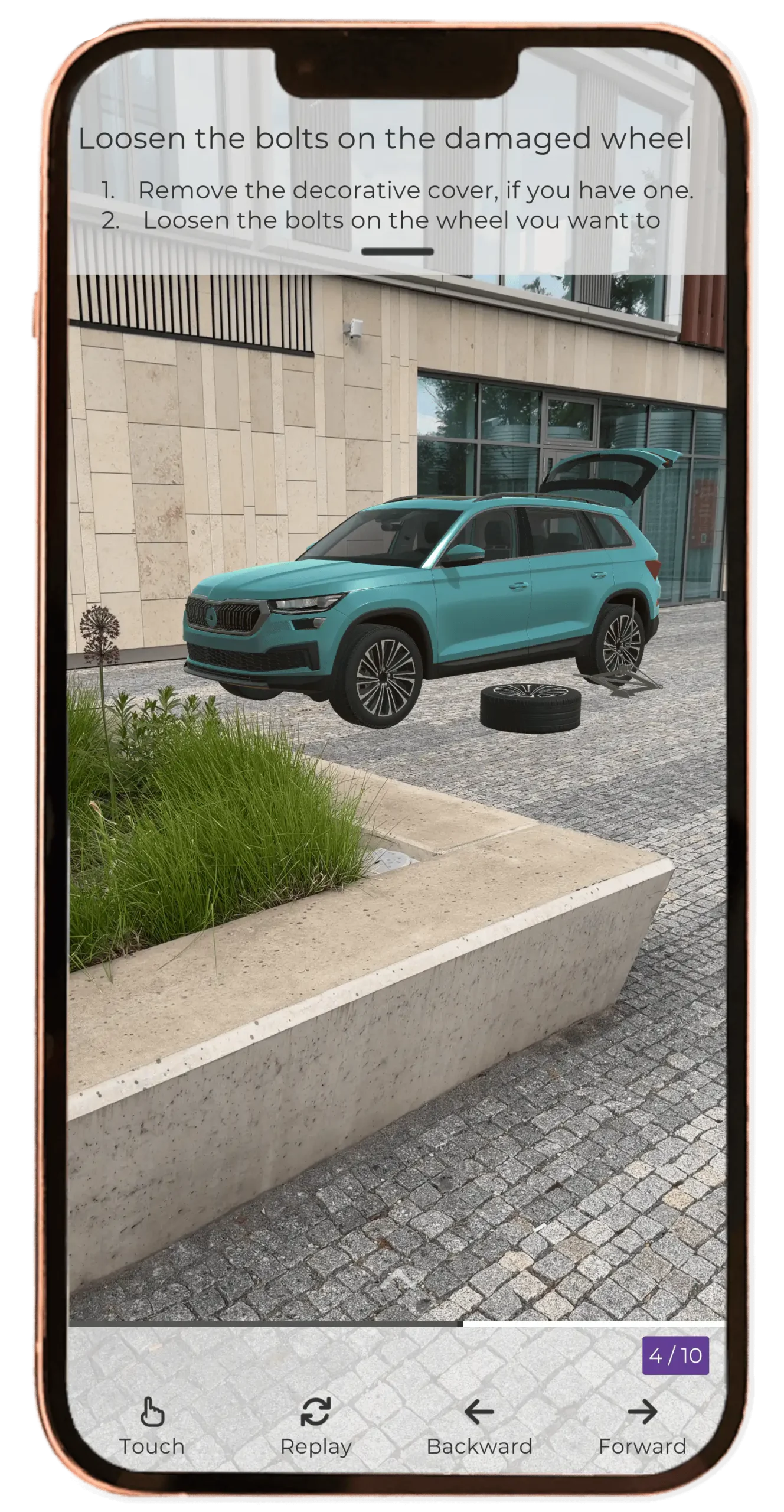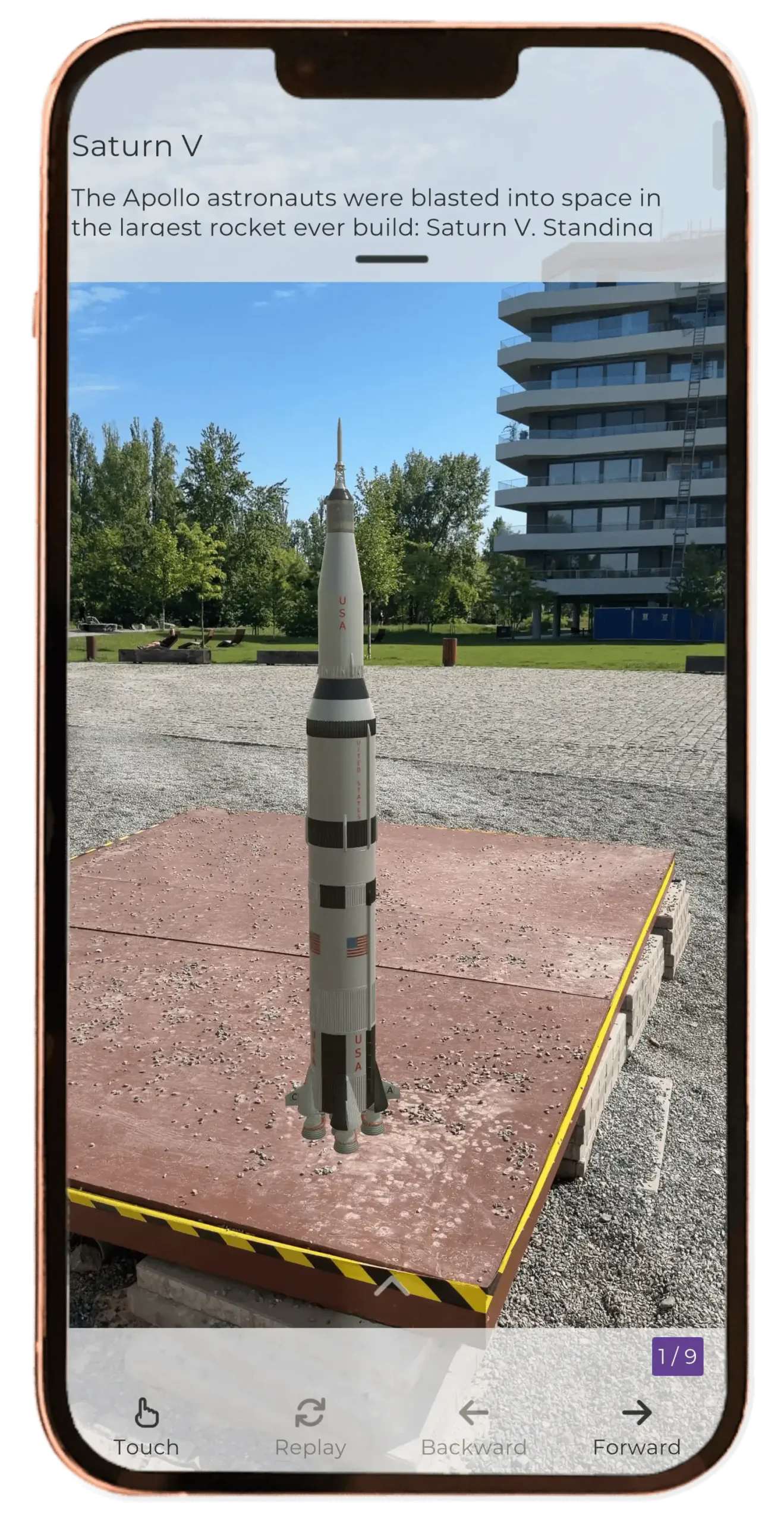
Discover augmented reality with the Misterine AR app
Seeing is believing.
Misterine AR brings augmented reality (AR) directly to your tablet or smartphone. Download the app and try immersive demos that bring digital content to life in your real-world environment.
No special hardware required — just your tablet or smartphone with a camera.
Getting started is easy — just four steps
Follow this simple guide to explore augmented reality with Misterine AR and get the most out of your first experience.
Choose your AR experience
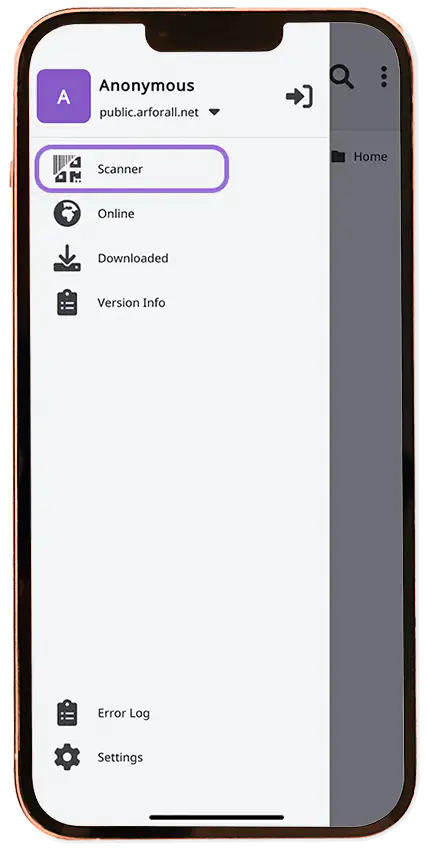
After launching the Misterine AR app, browse the available AR experiences or go straight to the scanner to load new content.
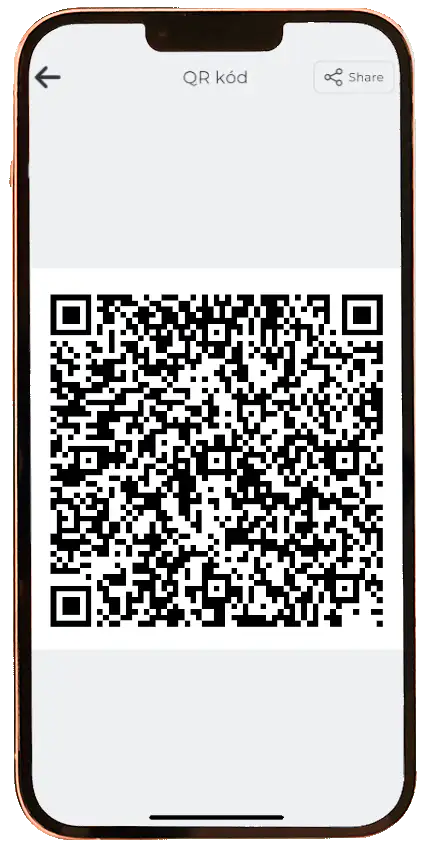
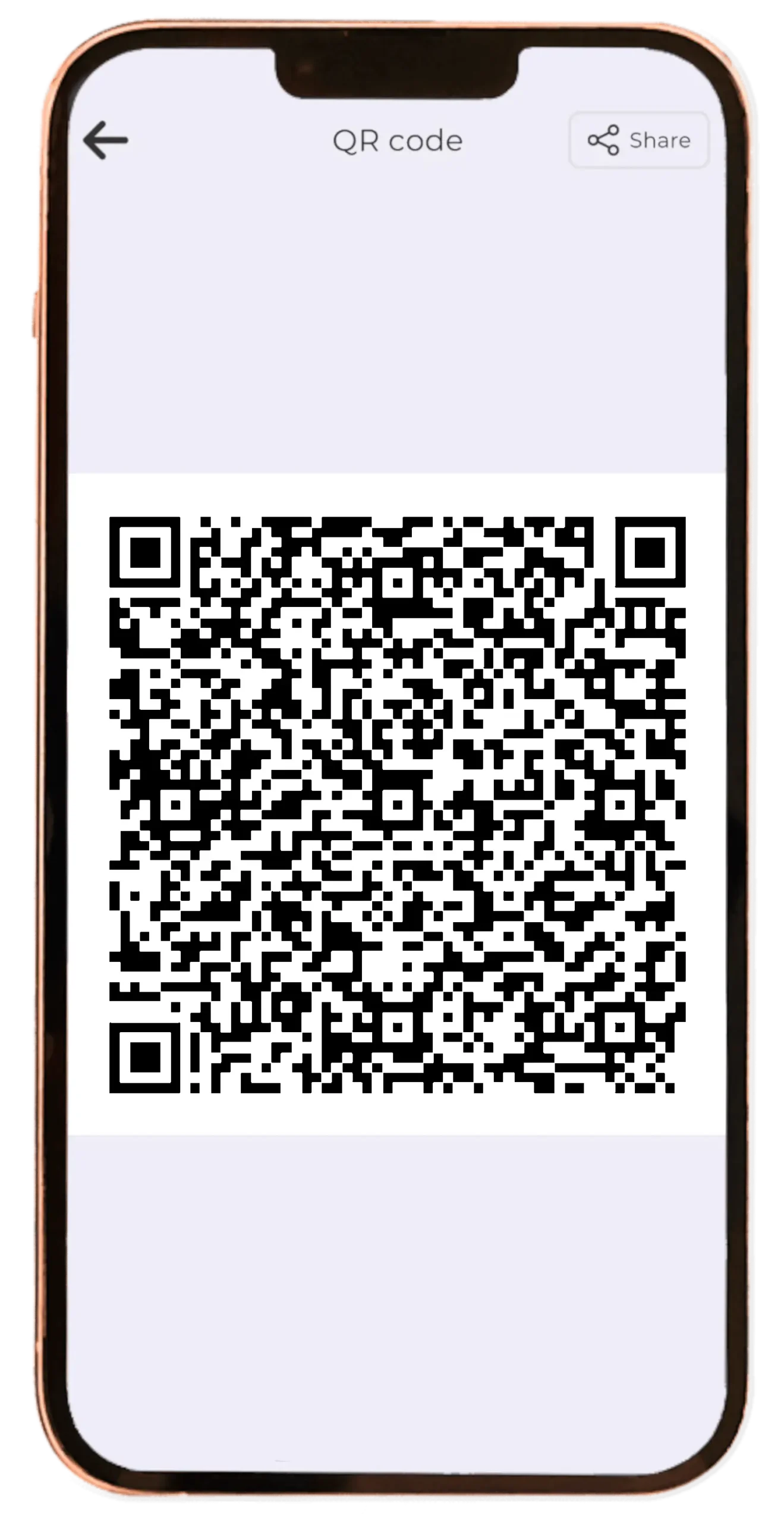
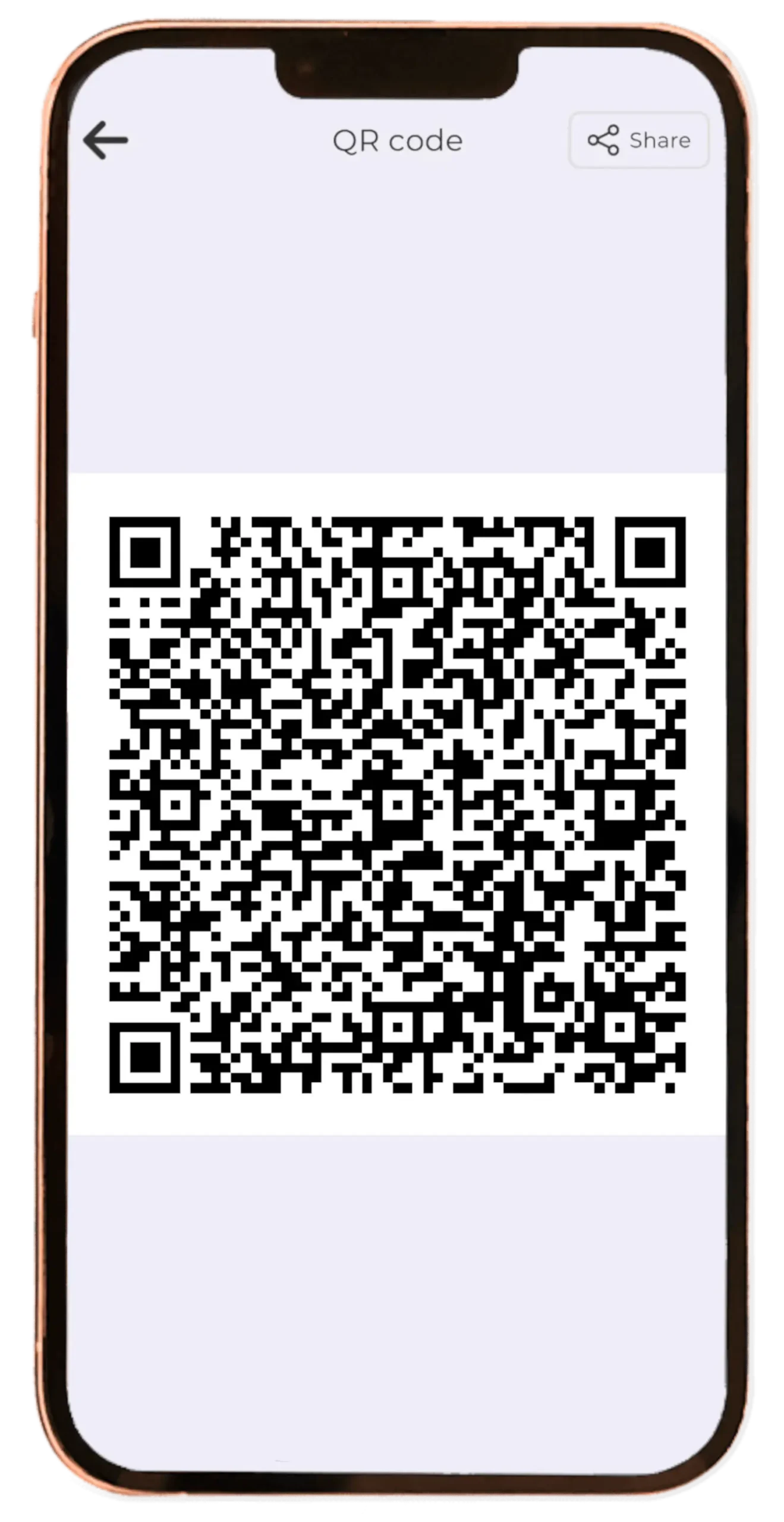
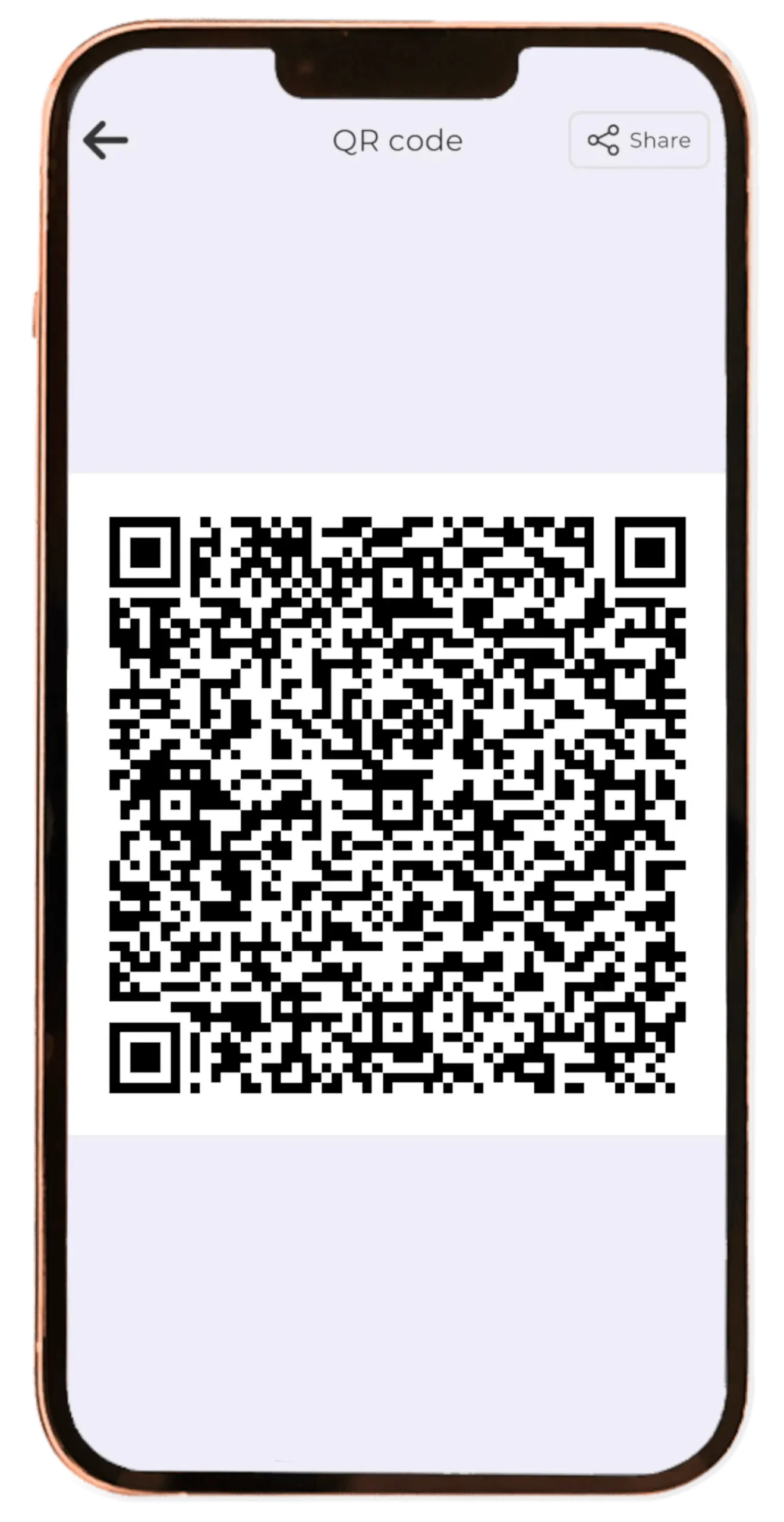
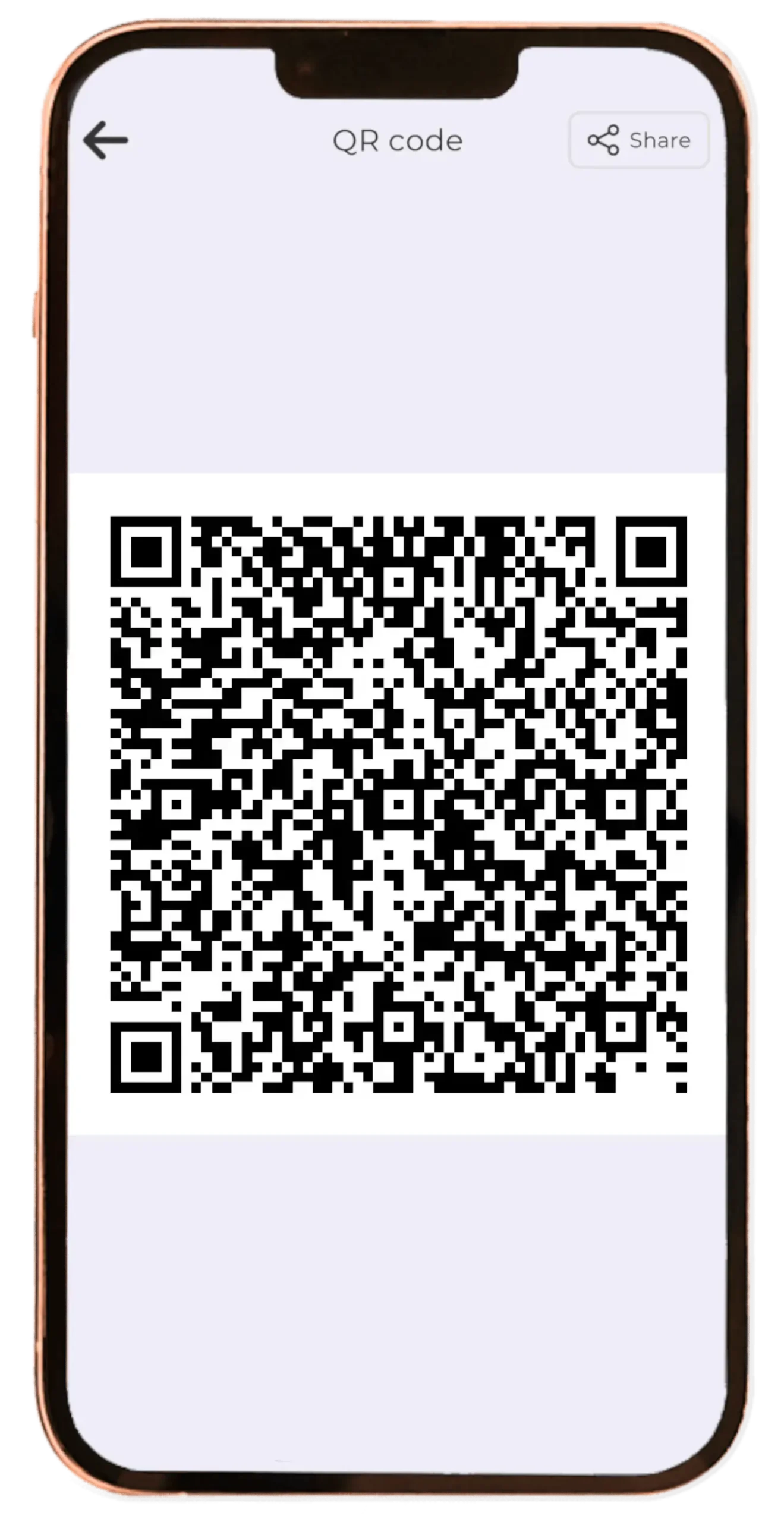
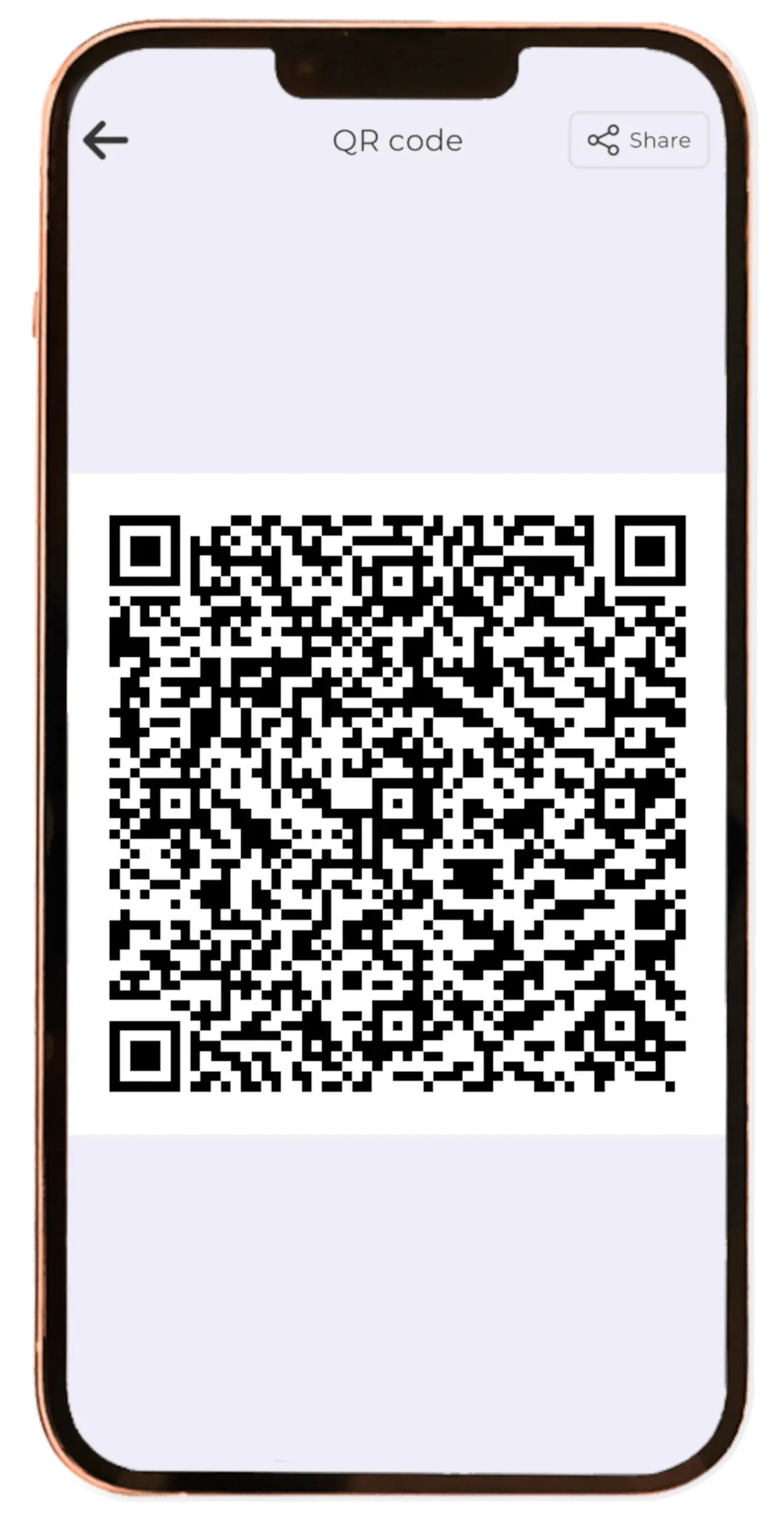
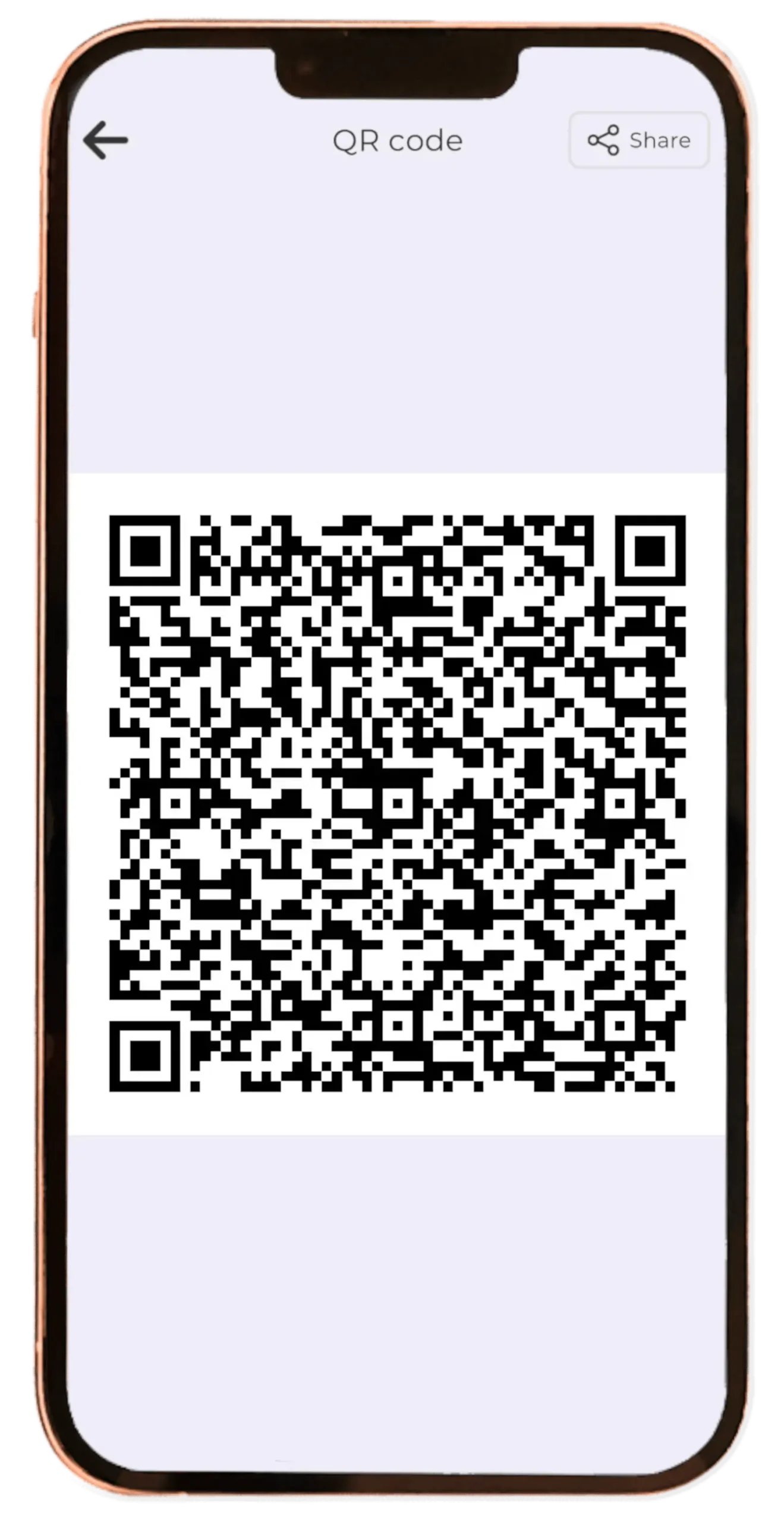
Scan a dedicated QR code
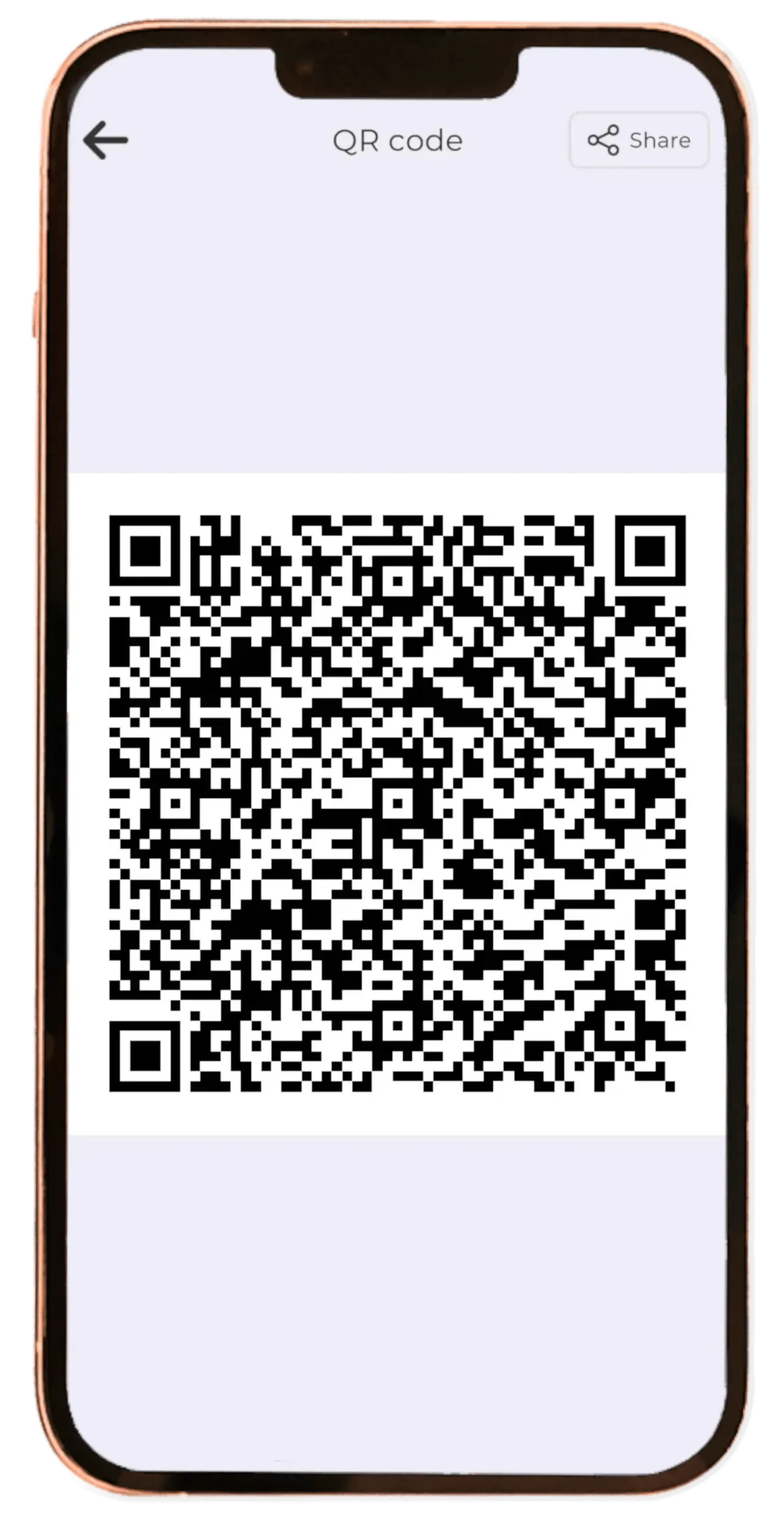
To view specific AR content, simply scan its QR code. This tells the app exactly which digital object to load.
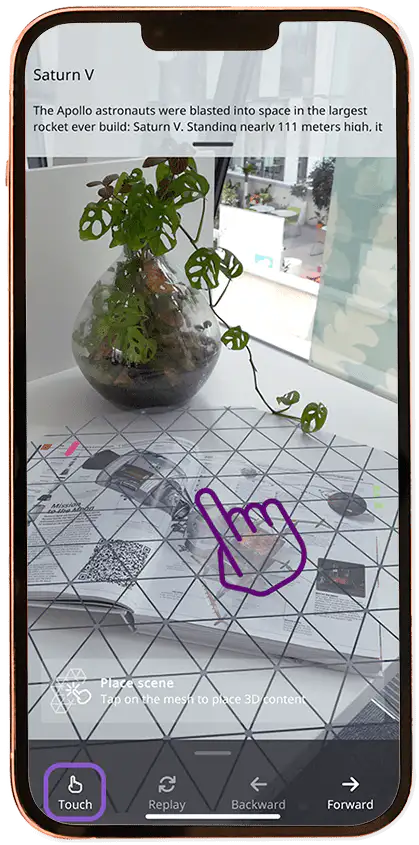
Map your physical space
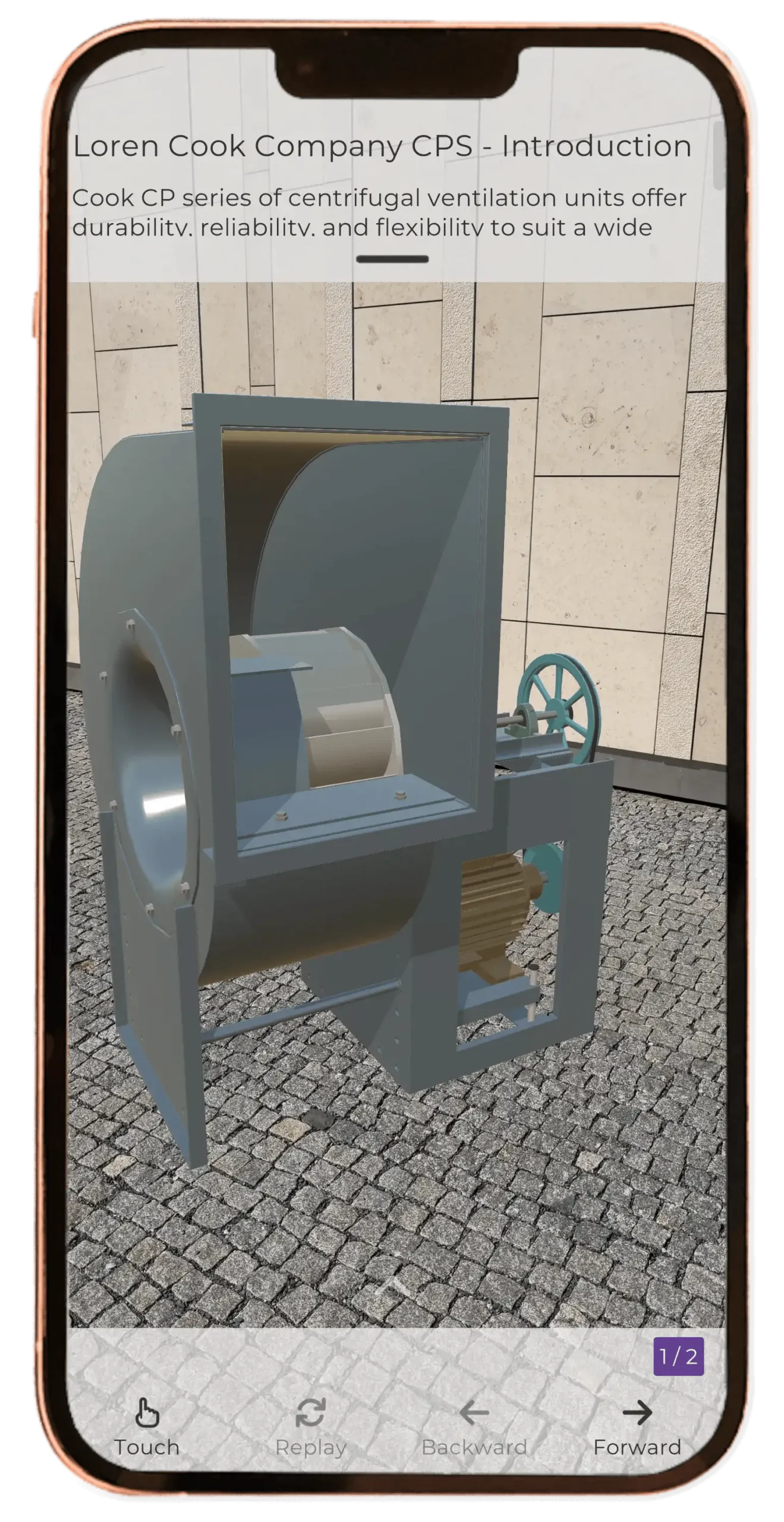
Use your device camera to detect flat surfaces and tap on the visible mesh pattern where you want to place your AR object. Touch mode lets you place objects on any surface.
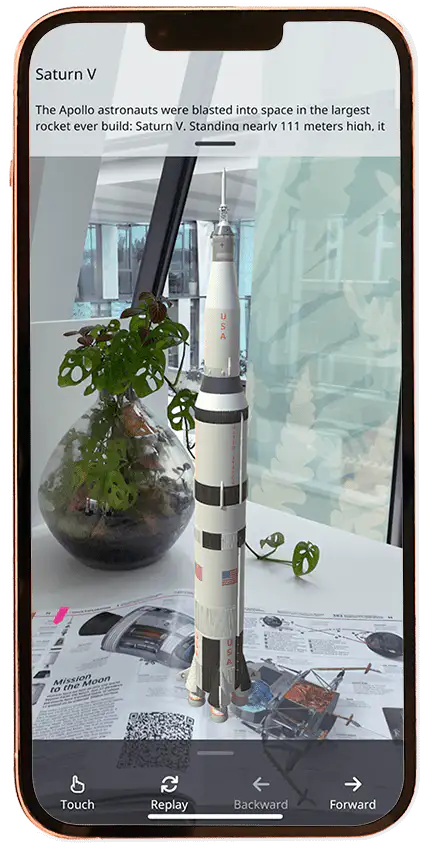
Watch AR objects come to life
Once you tap the desired spot, the digital AR object appears instantly and seamlessly blends into your real-world environment.

Browse and explore a rich library of AR content
Misterine provides a public server with a wide and freely accessible library of AR content. Browse categories or use search to quickly find the experiences that interest you most.
The content on the public server is curated to showcase different styles and use cases of the Misterine AR Framework. It delivers not only engaging experiences but also inspiration and practical examples of how augmented reality can be used.
Discover marketing experiences, interactive manuals, and training scenarios that demonstrate what is possible when digital information is seamlessly overlaid onto the real world.
Use cases at a glance
- Marketing experiences that make products stand out in the real world.
- Step-by-step AR manuals that guide users directly on top of physical objects.
- Training content that lets learners practice realistic scenarios safely.
Every experience in the library is designed to highlight the flexibility and power of Misterine AR technology.
Download our Misterine Augmented Reality App and try our AR demos
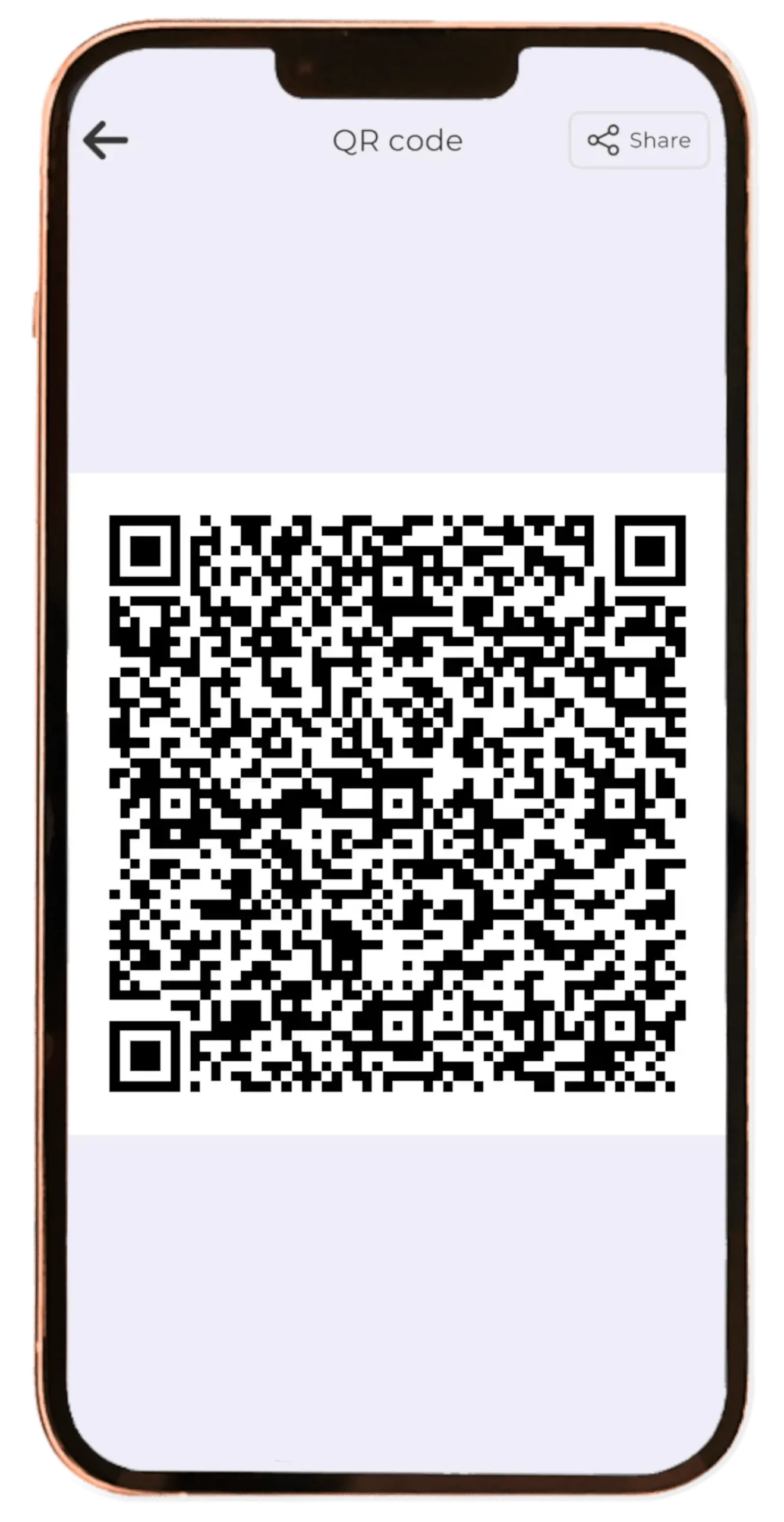
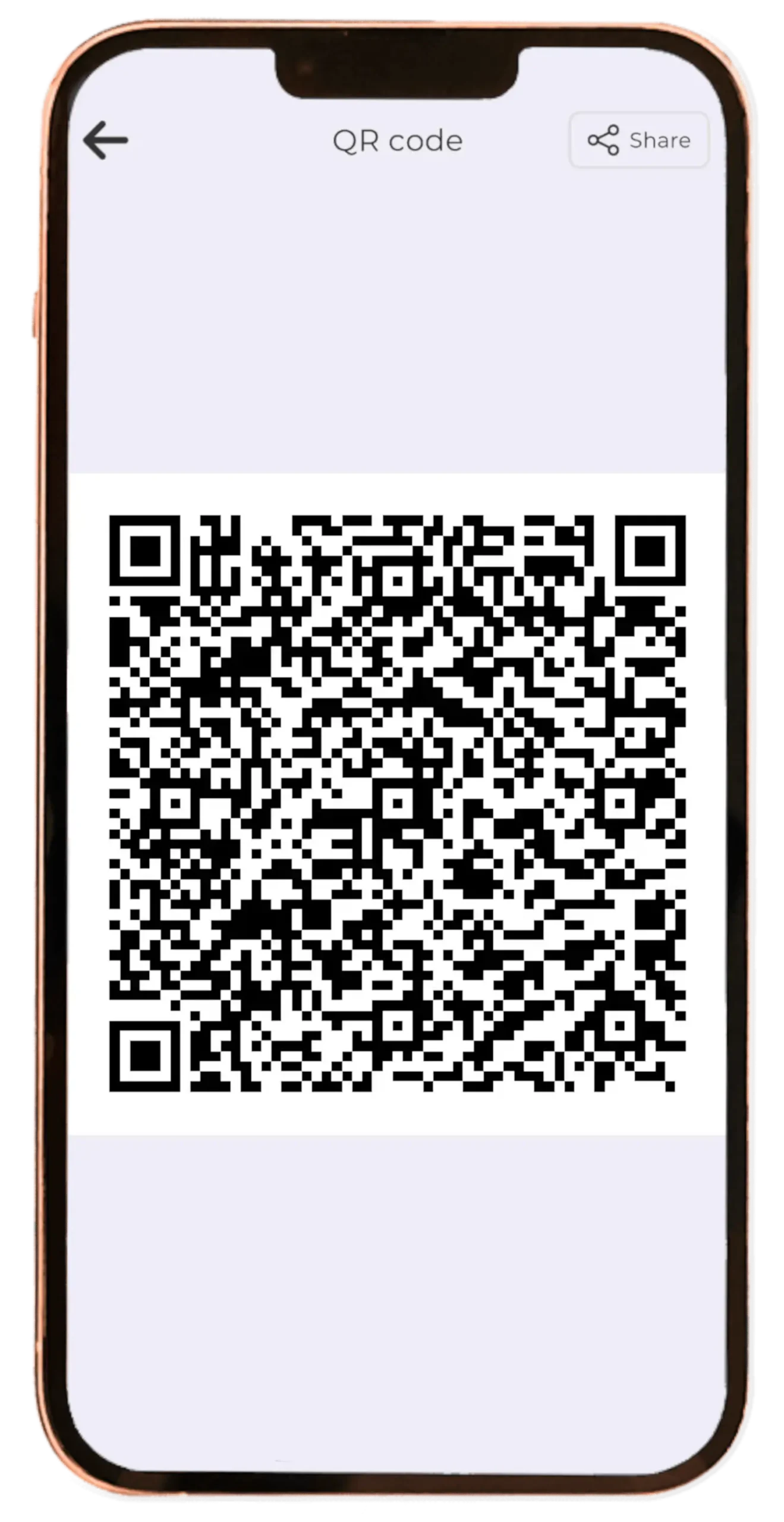
Touch coressponding qr code
BROWSE LIBRERY OF AUGMENTED REALITY (AR) CONTENT
Misterine’s public server has AR Content freely available.
Launch Misterine App, browse through the categories to find AR Content you like
or
CLICK on the image below and download a specific presentation using Misterine App
Kitchen Interior
category: Business/House/English
Human eye
category: Education/Science/English
Driving school
category: Education/Automobiles/English
Apollo 11
category: Education/Science/English
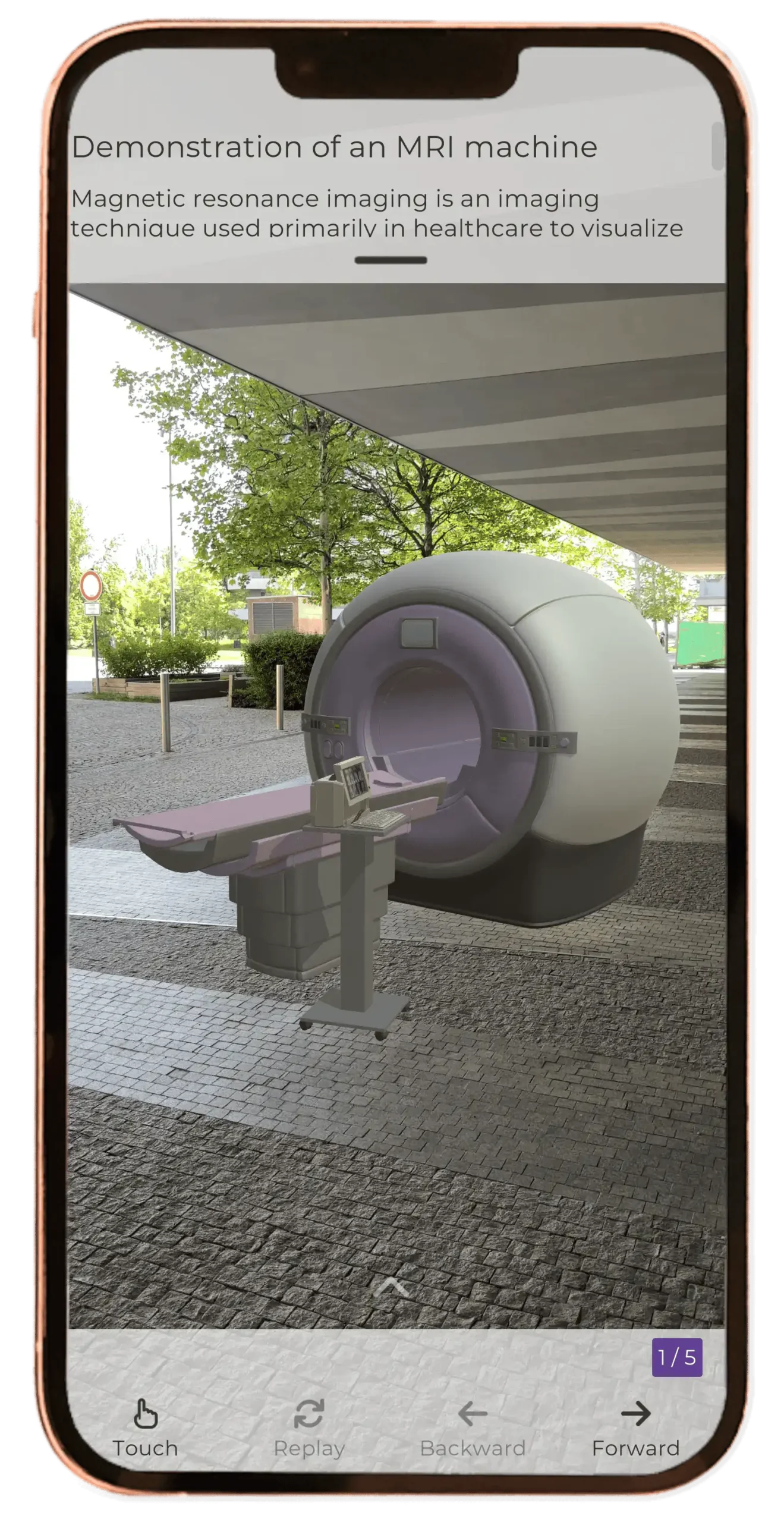
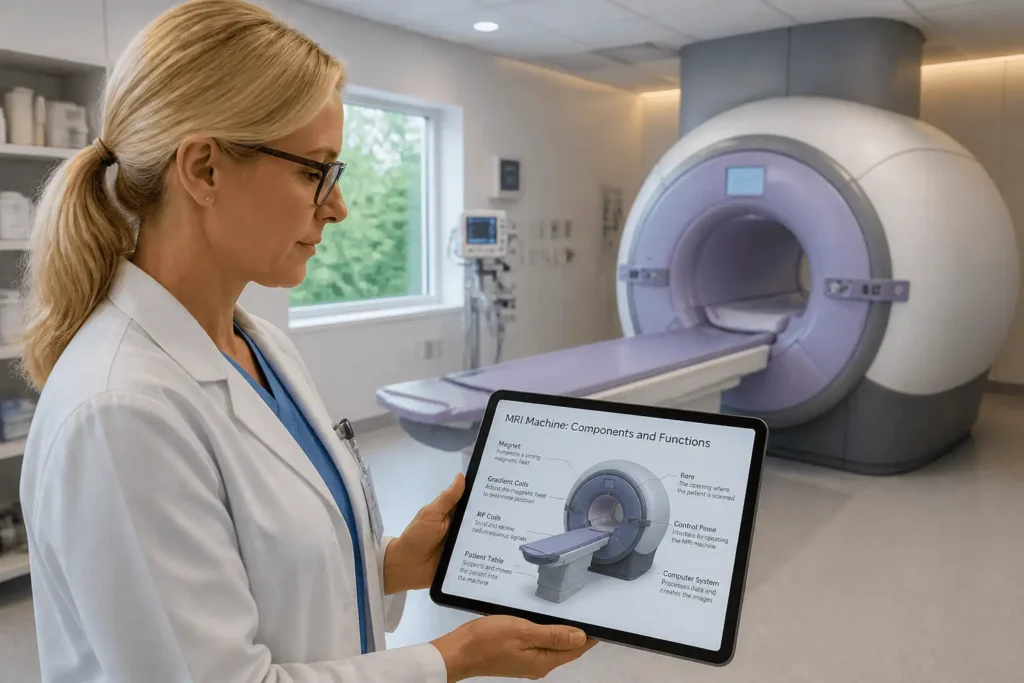
MRI machine
category:Education/Science
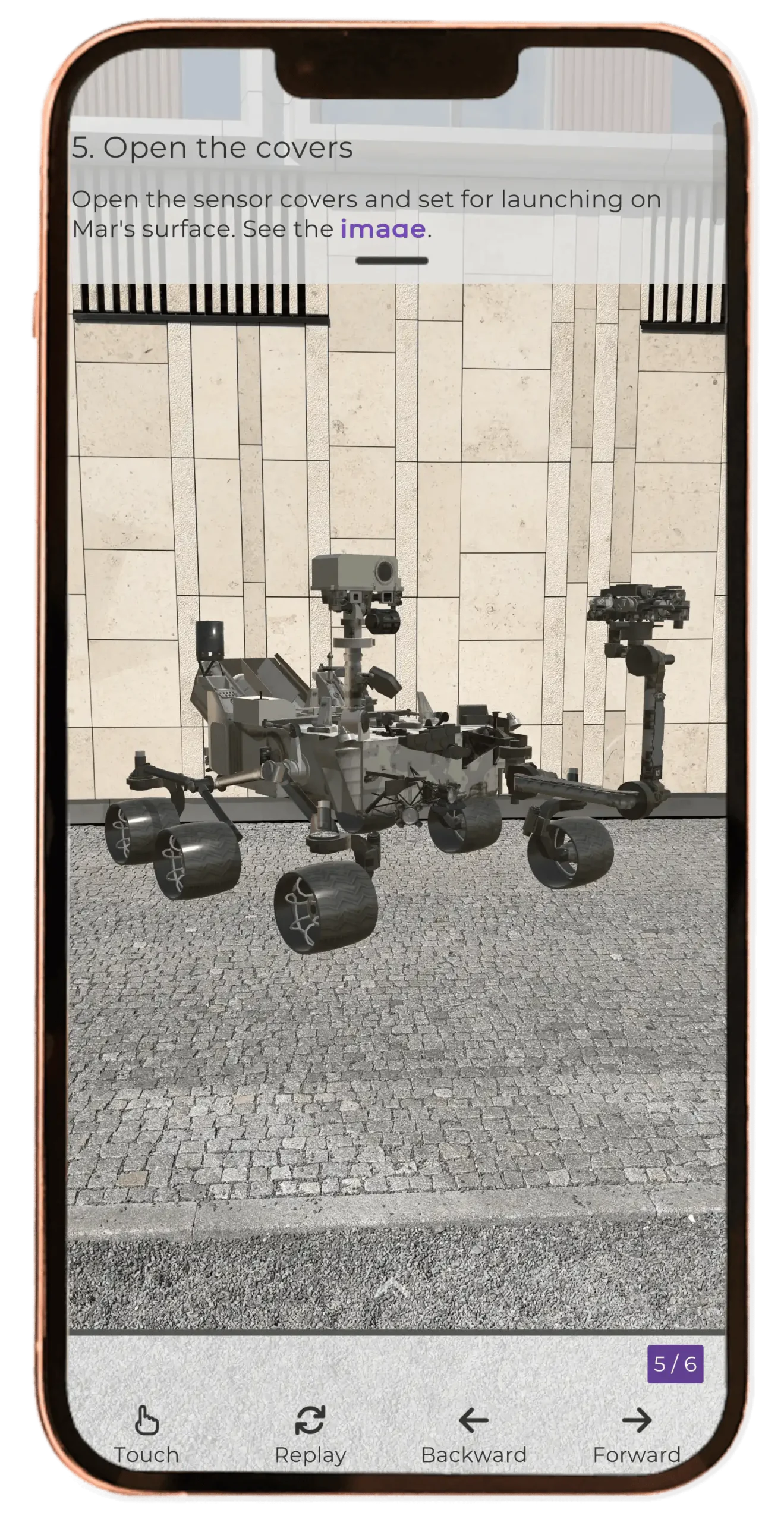
Mars rover
category: Business/House/English
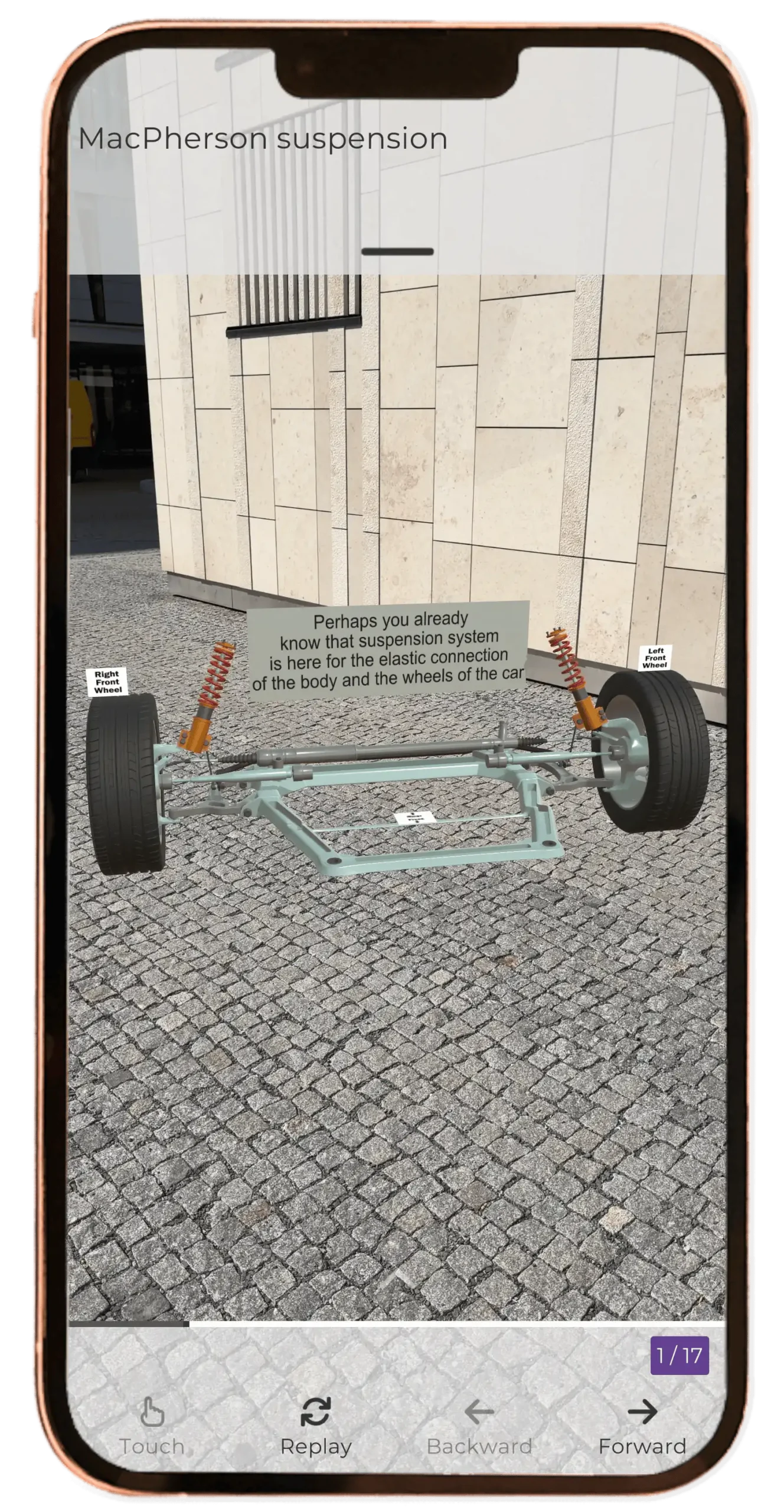
MacPherson Suspension
category: Education/Automobiles/English
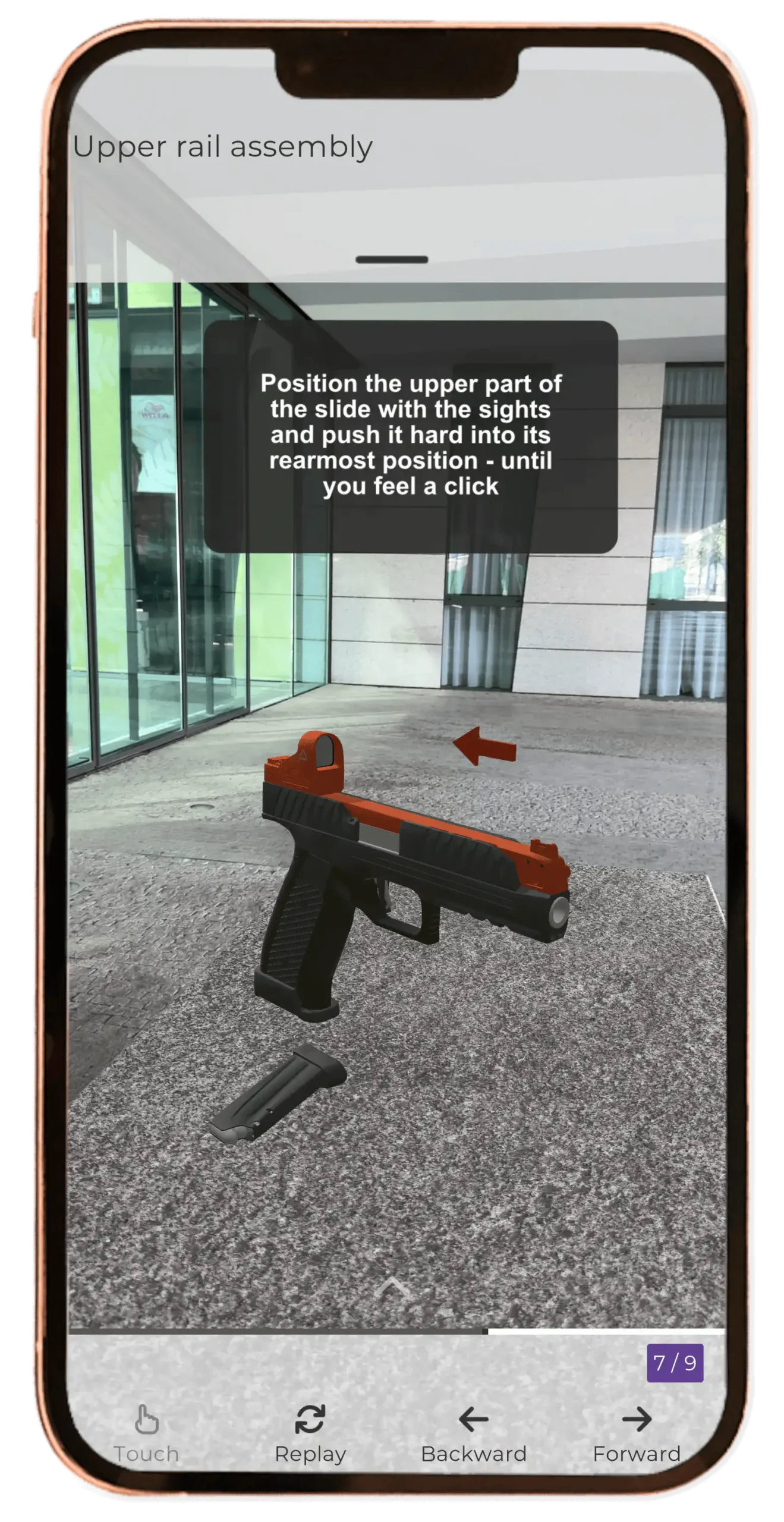
Laugo pistol
category: Business/Assembly
HVAC
category: Business/House/English
Ready to transform your AR and video workflows?
Book a demo and see how Misterine can help your team work smarter