The Misterine ecosystem

Everything you need to use AR or VR solution

Training

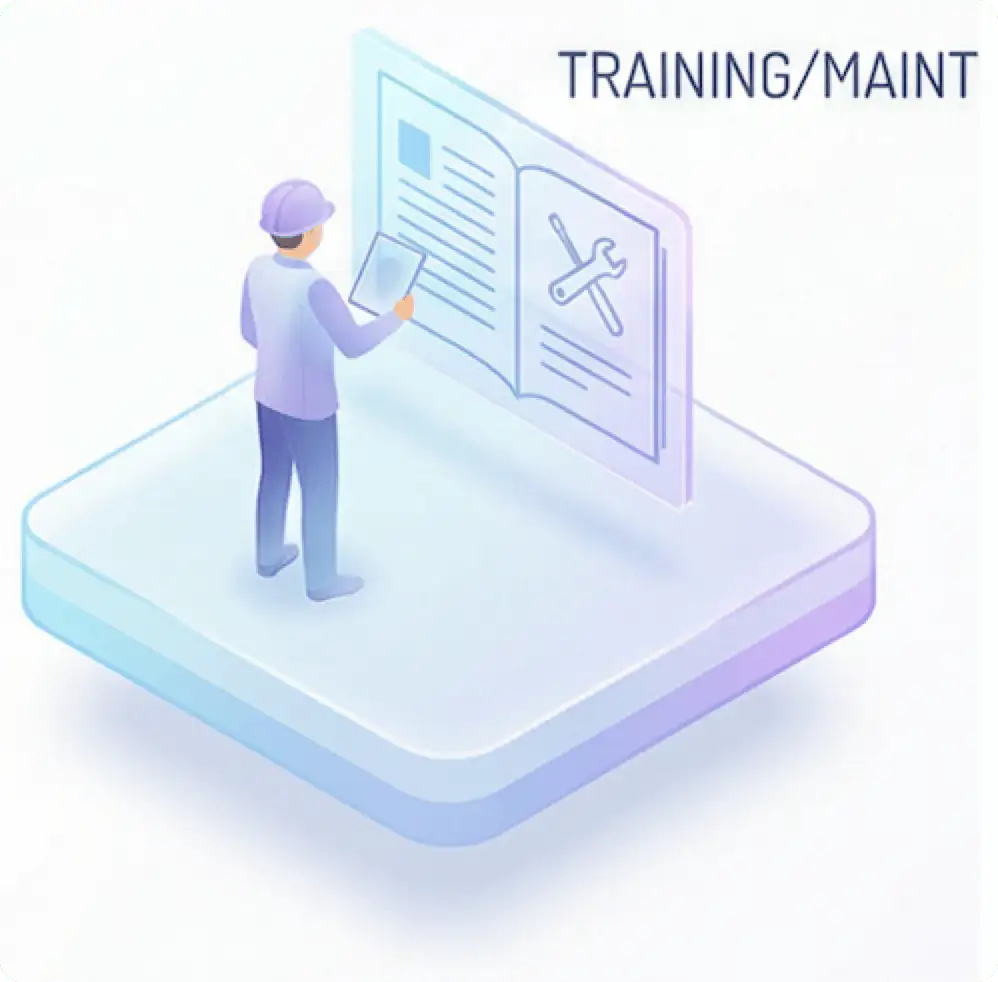
Training & Maintenance

AR or VR facilitates safe practice of procedures with digital guidance. During maintenance, it projects instructions directly onto the machines for expedited service.
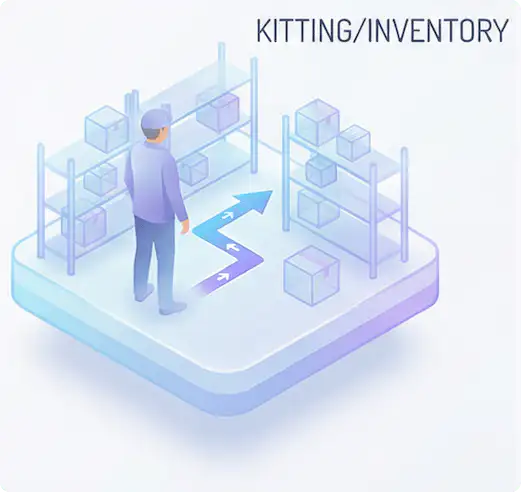
Kitting & Inventory

AR or VR visually navigates to items for swift order fulfillment.
Inventory management is addressed through instant code scanning with a mere gaze.
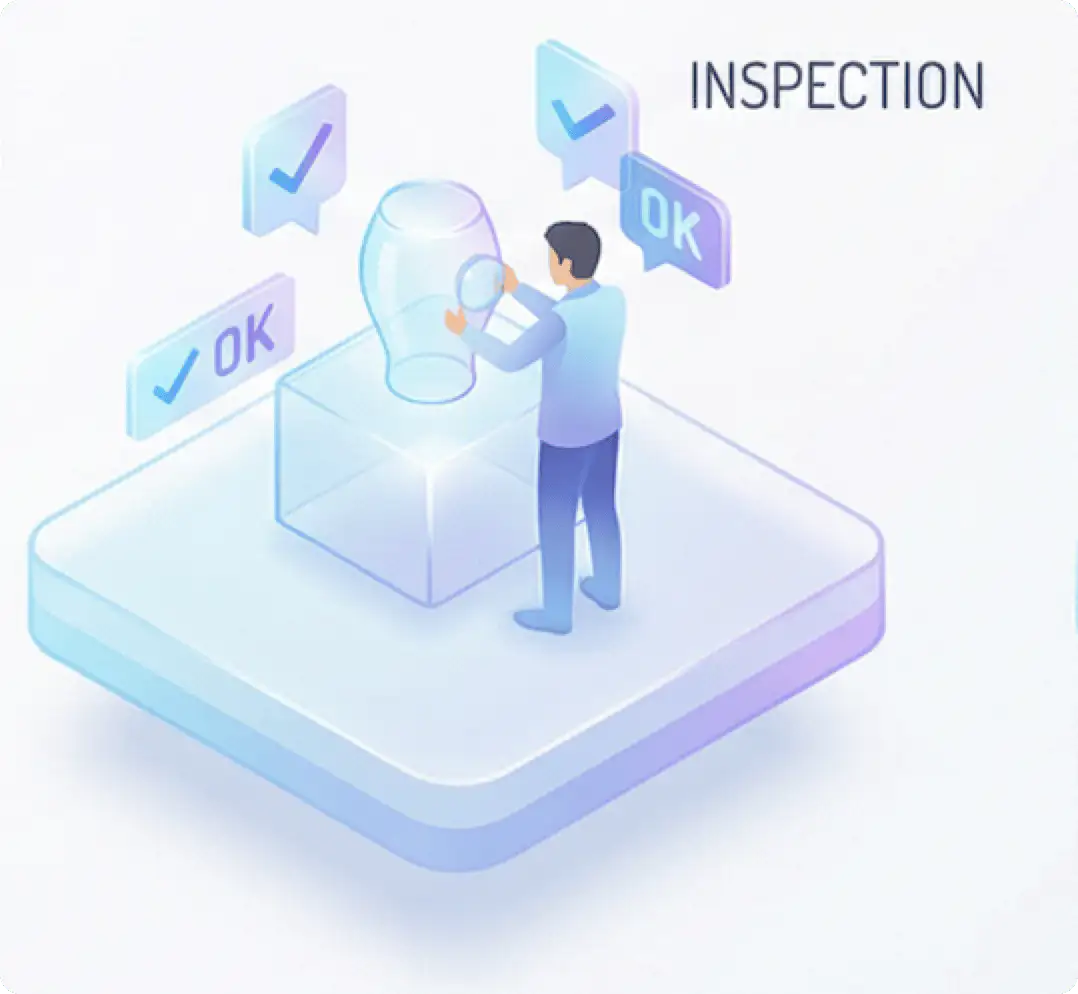
Inspection

AR or VR compares the physical part with the 3D model, immediately highlighting any discrepancies. It ensures flawless quality and replaces traditional paper reports.

Sales & Marketing

AR or VR
allows customers to virtually test products within their own environments before making a purchase.
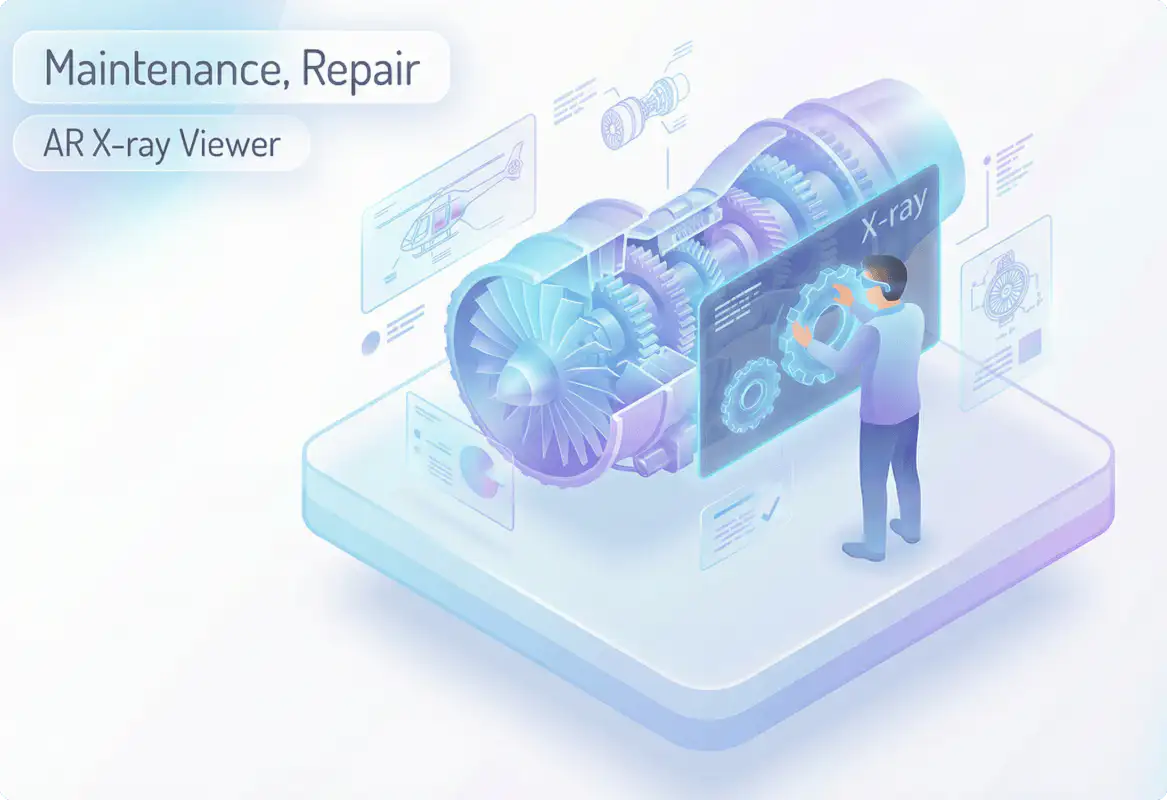
Repair

AR or VR projects service manuals and step-by-step procedures directly onto the machine being repaired.
This allows the technician to work hands-free, resulting in precise operations thanks to visual navigation.
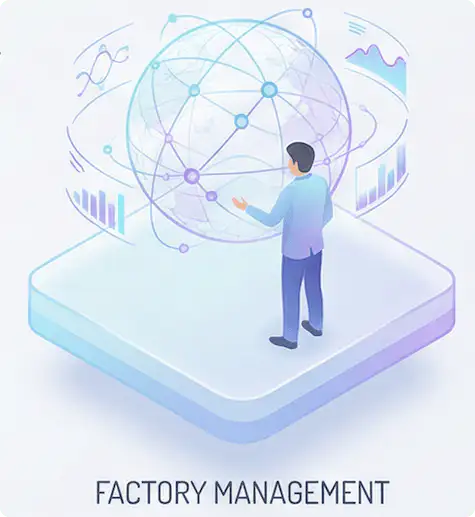
Factory management

AR or VR provides managers with an overview of production status and efficiency in real time. It enables the planning of layout changes using virtual models of machines.
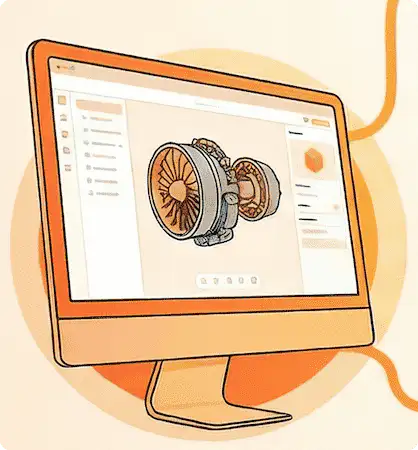
Three Foundation of Our Platform

Misterine Studio ikonografika

Create with Studio without coding

Use a desktop application to build AR experiences without writing any code
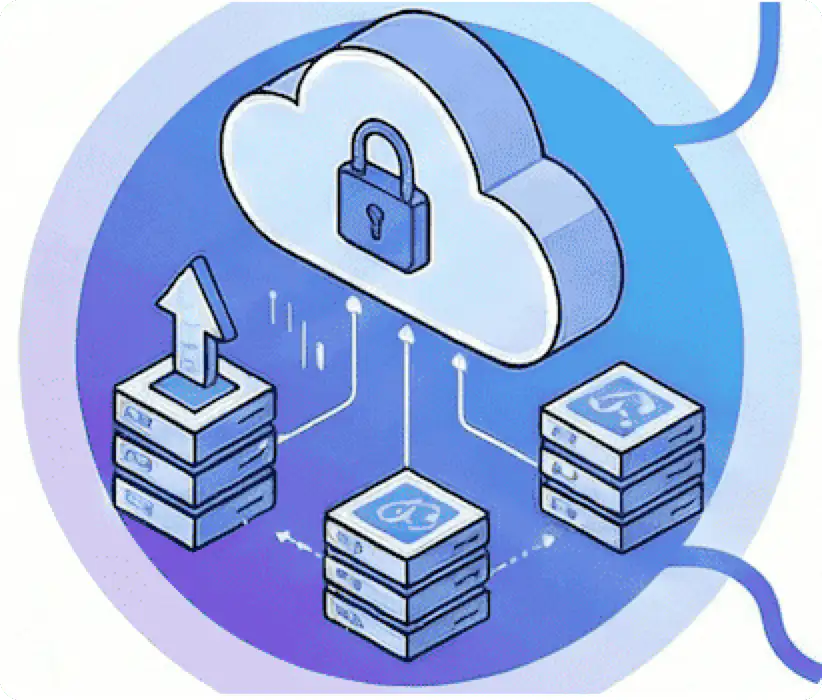
Misterine Server ikonografika

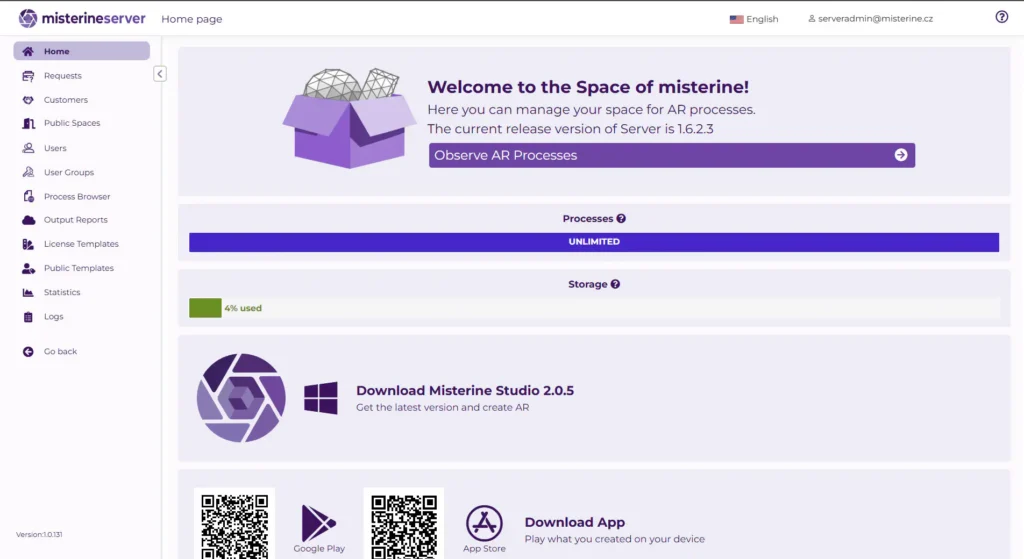
Manage with Misterine Server

Upload completed AR content and processes from Studio to Cloud
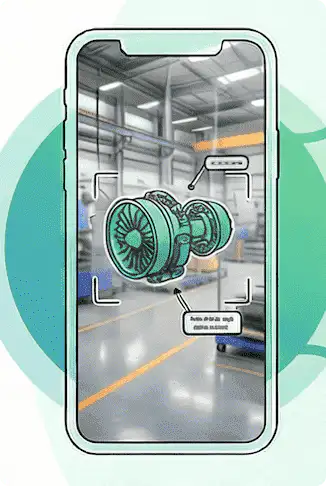
Misterine App ikonografika

View AR with the Misterine App

View AR content on standard smartphones and tablets
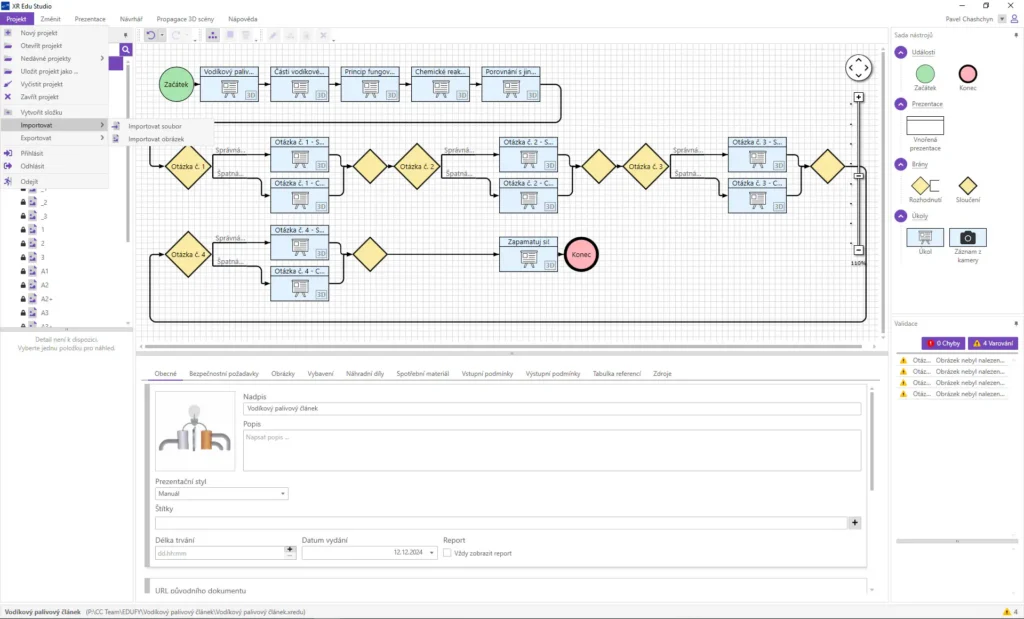
Create your workflow with Studio

Misterine Studio is a professional desktop application for Windows designed for the authoring of interactive 3D instructions in augmented reality, transforming technical documentation into immersive AR experiences and thereby accelerating the transfer of know-how.’

No-code content creation.

  • Import any CAD file or numerous other file types for 3D visualization
  • Effortlessly create a workflow of the required steps.
  • Modify the 3D model through a straightforward process, effortlessly configure animations, and add annotations, among other enhancements.
  • Add a form that guides users through the process, either step by step or as one complete form at the end.

Manage Cloud/Server data

Misterine Server functions as the central hub of the entire ecosystem, designed for the secure storage, management, and immediate distribution of interactive AR content.
This platform provides both creators and administrators with essential tools for the effective organization of digital instructions and their reliable accessibility to end users in the field.

Access Rights Management: Administrators maintain complete control over user accounts and groups.

Distribution via QR Codes: For each published process, the system generates unique codes that facilitate swift searching and downloading directly to mobile devices from the application.

Support for Thematic Organization: Content is logically structured into folders and portals according to industry or company.

View AR processes on mobile devices

Misterine App is a free mobile application for iOS and Android, forming a pivotal component of the platform for visualizing interactive AR content in the field.
It serves as an intuitive browser for 3D instructions, enabling frontline workers to comprehend complex procedures through digital directives projected directly into the physical environment.

Spatial Guidance Step by Step: The application utilizes 3D animations, guiding arrows, and labels to visually illustrate assembly or service procedures, thereby enhancing the speed and accuracy of tasks.

Interactive Assistance and Documentation: Users can navigate through decision points, confirm the completion of tasks, and capture photographic documentation (known as camera evidence) as verification of proper procedure execution.

Offline Operation and Easy Accessibility
: Required instructions can be swiftly located by scanning a QR code, and once downloaded to the device, they can be fully utilized even in areas lacking internet connectivity.

Scroll to Top